
Create your Coder profile
Create your global profile in 3 easy steps. Download sleek, recruiter-ready resumes in multiple styles. Get AI tips to sharpen your career goals. Build tailored profiles for different opportunities. Show clients you’re open to full-time work—or set your freelance hours with ease.
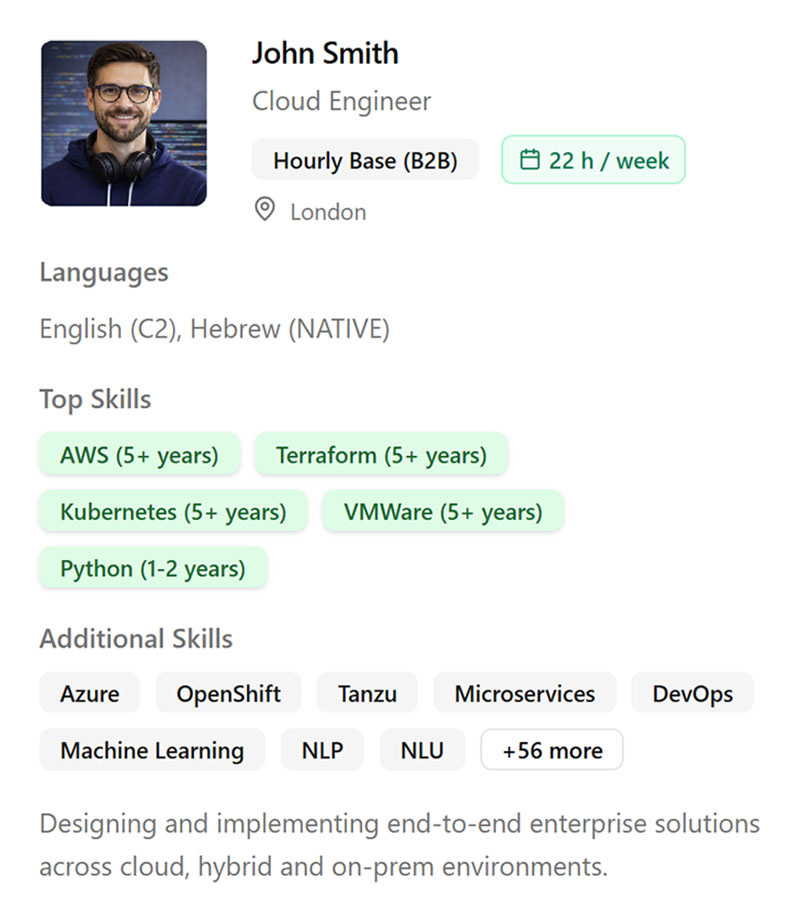
Make your Resume profiles!
Define your goal and role in a new project. You can create multiple profiles and make them available worldwide. Each profile can represent a different role depending on your goals. You can also highlight specific skills and competencies for each profile that are relevant to a particular project. Additionally, for every profile, you can specify how much time you are ready to dedicate.
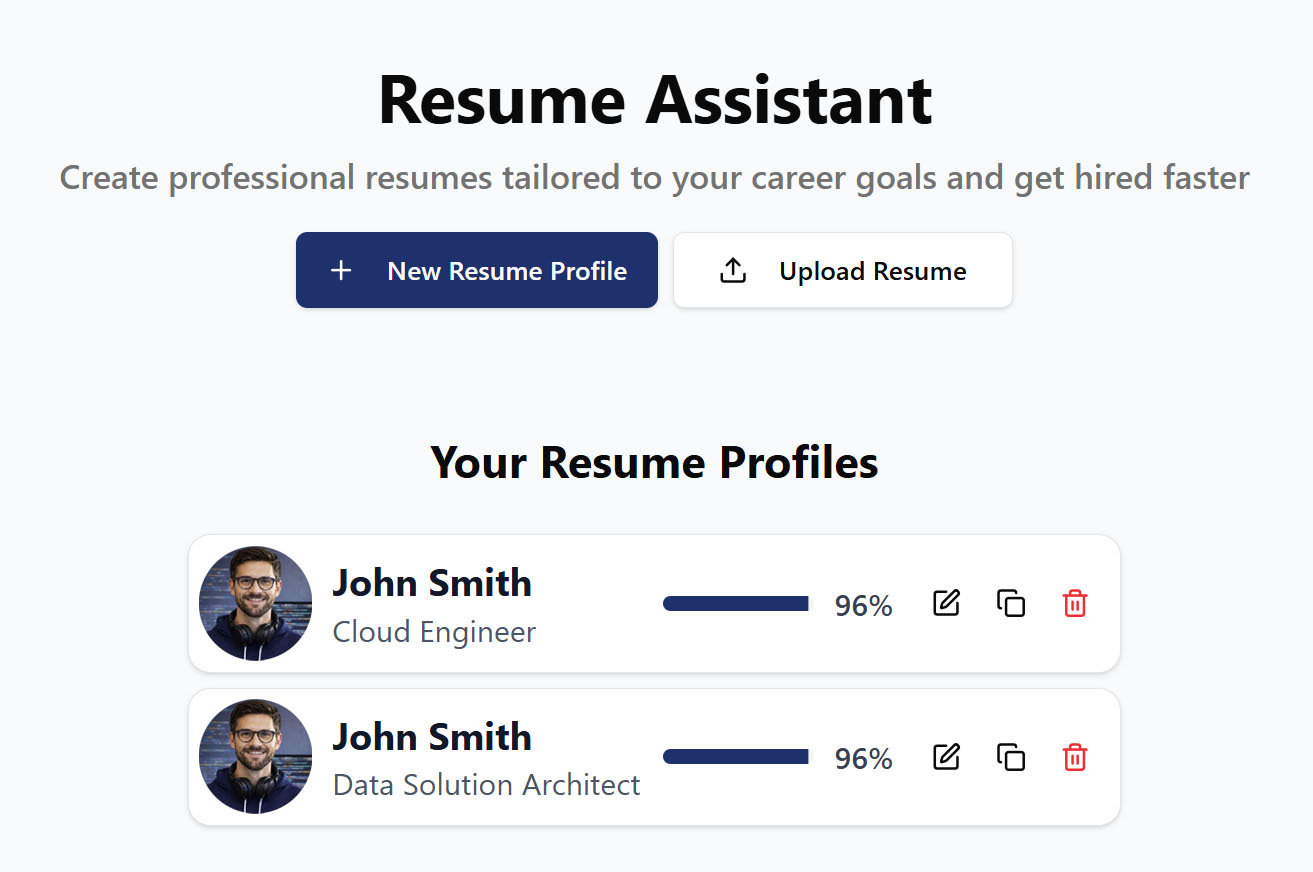
It’s simple
Select resume
Review
Complete
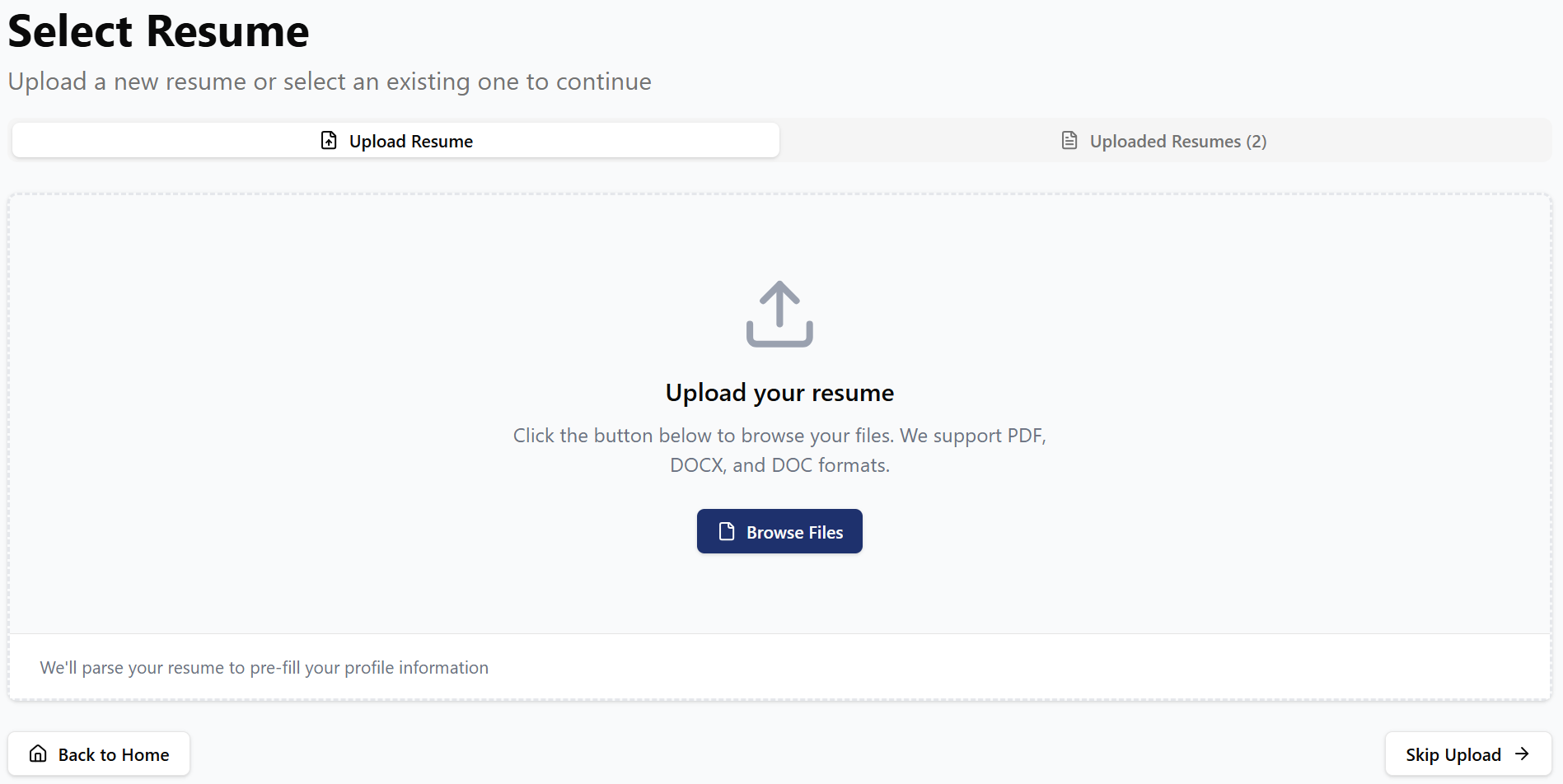
Step 1. Select resume
You can take any of your old or current resumes in MS Word .doc, .docx, or .pdf format and upload them through our interface so the AI can analyze them and extract the necessary information to build your profile. You can also use multiple files. If you prefer to start from scratch, that’s also possible—just skip this step!
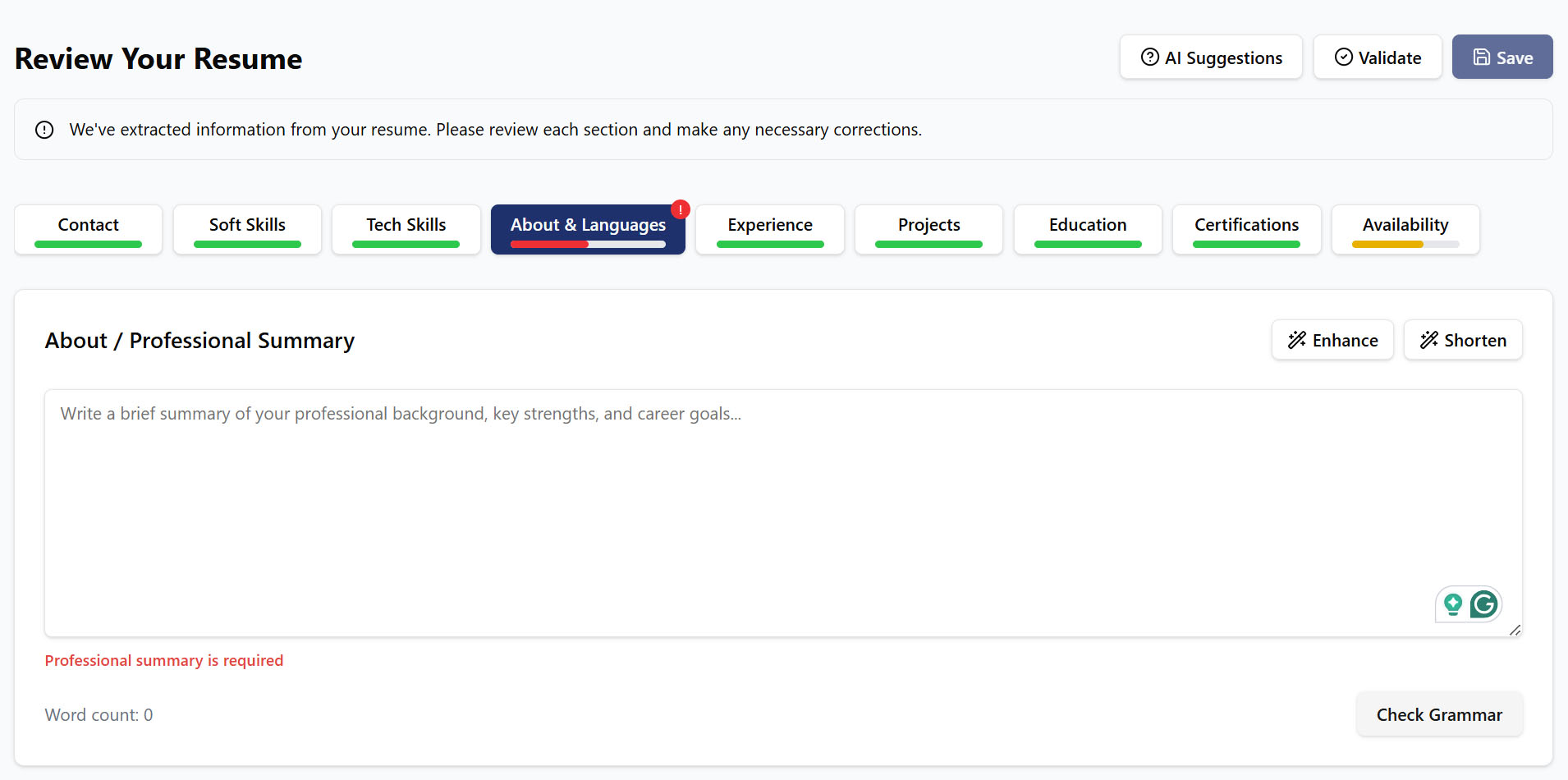
Step 2. Review and fill out the AI-selected fields
The AI will extract information from your files and populate the fields. Resolve the red flags across the tabs. Review and complete each tab with the most important information. Add your availability for new projects.
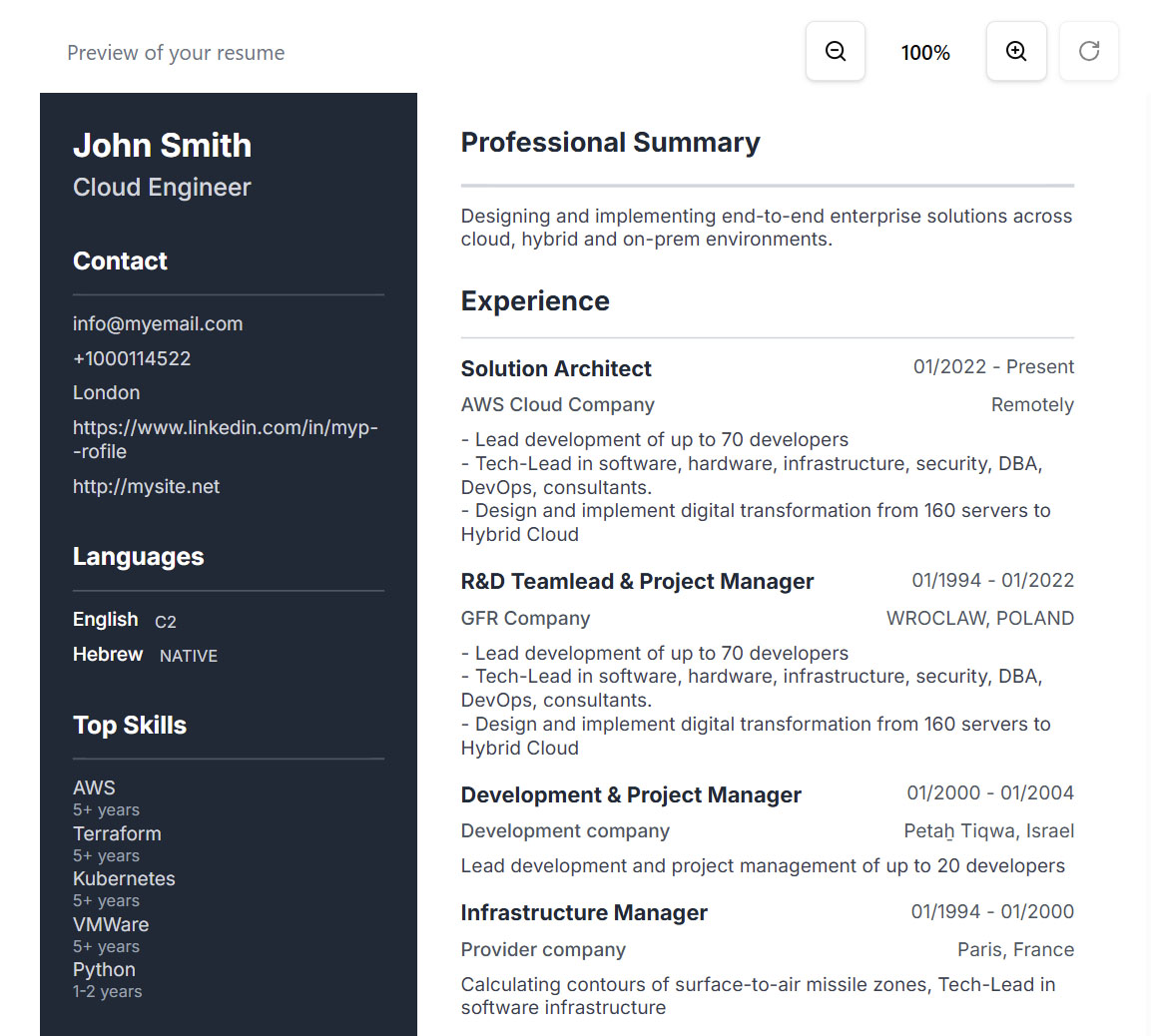
Step 3. Complete
Complete the setup of your profile. You can choose from several resume formats and share your profile. Make your profile public and publish your availability.